Every FX trader needs a trading platform. It shows live prices, draws charts, sends your orders to the broker and keeps track of your account. Choosing a platform that is reliable and easy for you to use is one of the first practical decisions in Forex trading.
What are currency trading platforms?
Currency trading platforms are software applications that connect you to a broker’s trading servers. Through them you can:
- View real-time bid and ask prices for currency pairs.
- Analyse price charts with indicators and drawing tools.
- Place, modify and close orders, including stop-loss and take-profit levels.
- Monitor your balance, margin and open positions.
- Review your trading history.
It is important to understand the difference between a platform and a broker. The platform is the software; the broker is the company that holds your money and executes your trades. The same platform, such as MetaTrader 4, can be offered by many different brokers, so always check the broker’s regulation and terms separately.
Desktop trading platforms
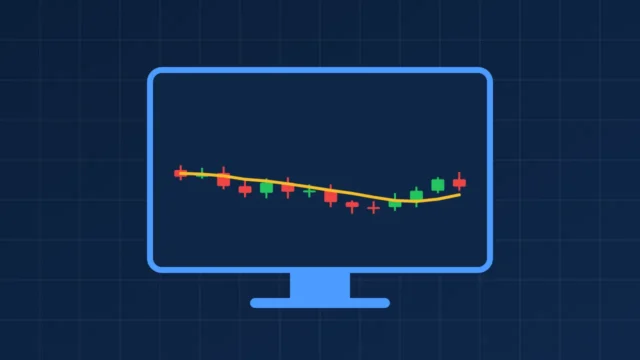
Desktop platforms are installed on a Windows, macOS or Linux computer. They usually offer the most complete set of tools.
- Strengths: large screens for multiple charts, full indicator libraries, custom scripts and automated trading.
- Limitations: need installation and updates, and you must be at your computer.
- Best for: detailed technical analysis and planning trades.
Mobile trading platforms
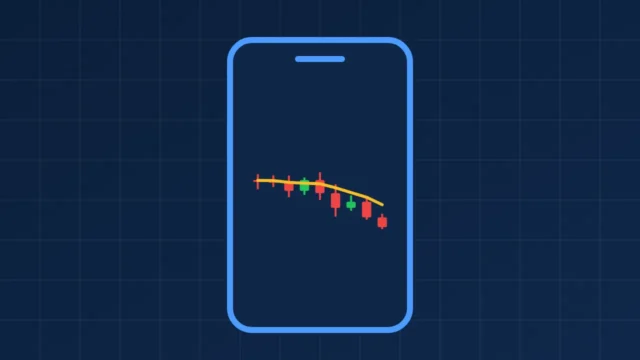
Mobile apps for Android and iPhone let you follow the market and manage trades wherever you are.
- Strengths: instant access, push notifications and price alerts.
- Limitations: small screens make detailed analysis harder, and it is easier to make impulsive decisions on the move.
- Best for: monitoring open positions and making quick adjustments.
Security tip: protect your phone with a passcode or biometrics, and only install trading apps from official app stores.
Web-based trading platforms
Web platforms run in your browser, so there is nothing to install.
- Strengths: work on almost any computer, including shared or work devices where you cannot install software.
- Limitations: usually fewer advanced features than desktop software, and they depend on your browser and connection.
- Best for: quick access and beginners who want a simple start.
| Feature | Desktop | Mobile | Web |
|---|---|---|---|
| Installation | Required | App store download | None |
| Charting depth | Most advanced | Basic to good | Good |
| Automated trading | Usually supported | Rarely | Limited |
| Portability | Low | High | Medium |
| Best use | Analysis and planning | Monitoring trades | Quick access anywhere |
MetaTrader 4 and MetaTrader 5
MetaTrader 4 and MetaTrader 5, developed by MetaQuotes, are among the most widely offered currency trading platforms. Both are available on desktop and mobile, and MT5 also has an official web terminal.
- MetaTrader 4 is simple, stable and supported by a huge library of indicators and Expert Advisors. Read the MetaTrader 4 download guide.
- MetaTrader 5 adds more timeframes, indicators, order types and a built-in economic calendar. Read the MetaTrader 5 download guide, which includes a full MT4 vs MT5 comparison.
Some brokers also offer their own proprietary platforms. These can be easy to use but are only available with that broker, so your skills and tools may not transfer if you switch.
Important platform features for beginners
- Demo account: practise with virtual money and live prices before risking real funds.
- Clear order ticket: it should be easy to set the trade size, stop-loss and take-profit before you confirm.
- Risk tools: stop-loss, take-profit and trailing stop orders.
- Charting: candlestick charts, multiple timeframes and common indicators such as moving averages.
- Stability: the platform should stay connected and respond quickly during busy markets.
- Cross-device sync: access the same account from desktop and mobile.
- Security: strong passwords and, where available, two-factor authentication for your broker account.
- Transparent costs: spreads, commissions and swap rates should be easy to find.
- Learning resources: clear help guides and tutorials, such as the Forex trading for beginners guide on this site.
Frequently asked questions
What is the best FX trading platform for beginners?
The best platform is one that is reliable, easy for you to understand and offered by a regulated broker. MetaTrader 4 and MetaTrader 5 are popular because they are widely available and have many learning resources.
Are currency trading platforms free?
Most platforms are free to download and use. You pay trading costs, such as spreads and commissions, to the broker when you trade.
Can I use one platform with different brokers?
Yes, if each broker supports that platform. You will have a separate login and server for each broker account.